How to Build an AI Influencer with ComfyUI: The Complete 2025 Guide
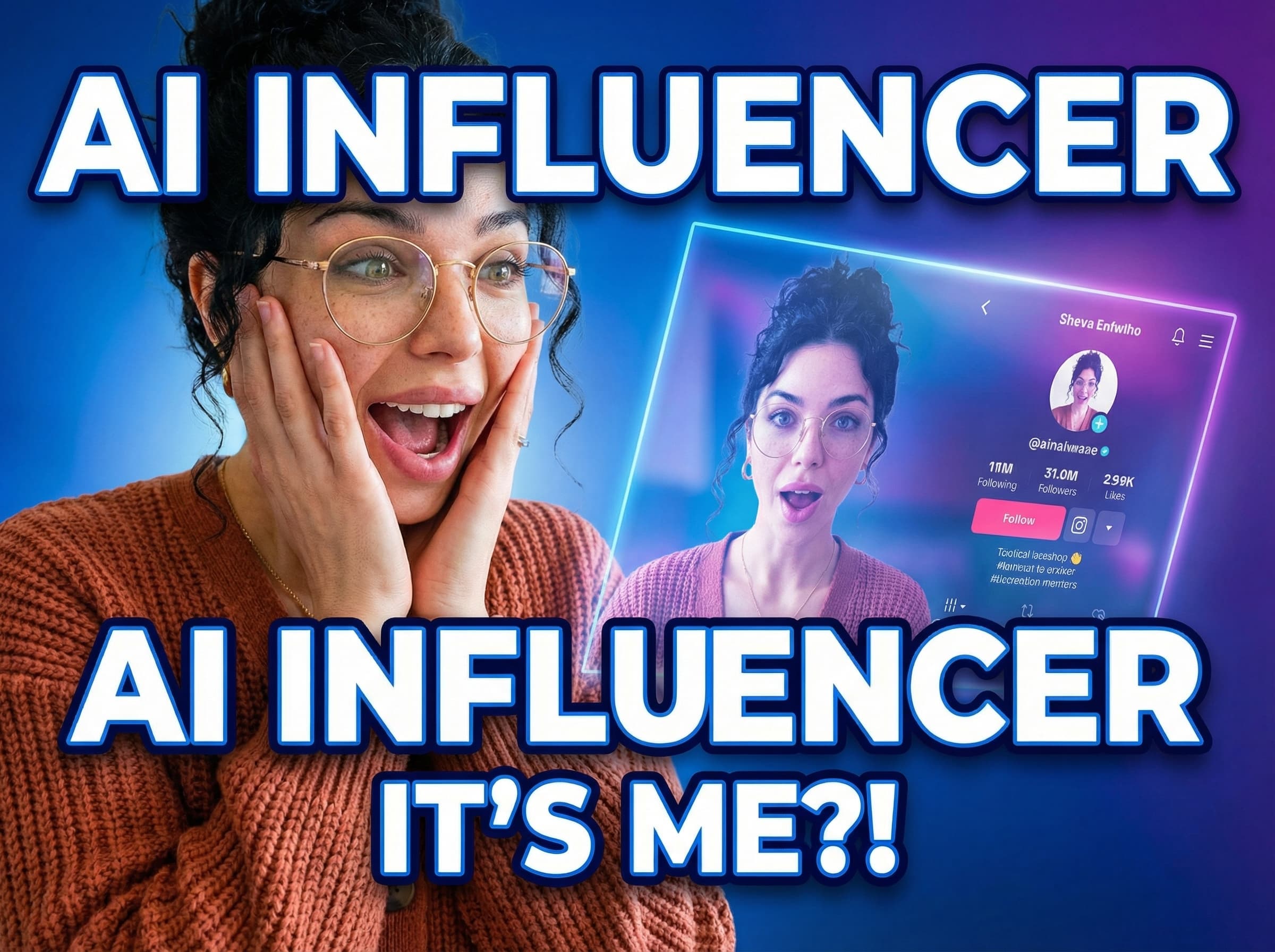
## Why ComfyUI is the Best Tool for AI Influencer Creation
The virtual influencer market is exploding — but most creators are locked into expensive SaaS tools that give you little control over consistency, style, or ownership. ComfyUI changes that.
ComfyUI is a node-based workflow engine for Stable Diffusion. It gives you pixel-perfect control over every step of the image and video generation pipeline. For AI influencers, this means you can lock in a character's face, body proportions, clothing style, and lighting — and reproduce it reliably across hundreds of posts.
---
## Step 1: Define your influencer's persona
Before touching ComfyUI, answer these questions:
- **Niche**: Fashion? Fitness? Tech reviews? Travel?
- **Aesthetic**: Hyper-real photography? Stylised anime? Cinematic editorial?
- **Name and backstory**: Give her or him a name, city, and personality. Audiences connect with characters, not renders.
Write this down. You'll use it as a prompt foundation throughout.
---
## Step 2: Generate a consistent base face with IPAdapter
The biggest challenge in AI influencer creation is face consistency. Swap one checkpoint and your character looks like a different person.
**Recommended workflow:**
1. Install the **IPAdapter Plus** custom node in ComfyUI.
2. Generate 4–6 diverse seed images of your character in neutral lighting using a base checkpoint (e.g. RealVisXL or Juggernaut XL).
3. Use **IPAdapter FaceID** to encode these images into a face embedding.
4. From now on, run all your prompts through this face embedding node — your character's face stays locked.
**Node chain:**
`Load Image → IPAdapter FaceID Encode → KSampler → VAE Decode → Save Image`
---
## Step 3: Build a style-locked prompt template
Consistency comes from two things: face embeddings (step 2) and a consistent prompt template.
Here's a starting template:
```
[character name], [ethnicity descriptor], [age descriptor], [distinctive feature],
wearing [outfit], in [location/setting], [lighting style], shot on Sony A7IV,
8k, hyperrealistic, editorial photography
```
Save this as a text node in ComfyUI and wire it into every workflow. Only swap the outfit and setting variables.
---
## Step 4: Create varied content — outfits, locations, moods
Now you can start producing content at scale. Build separate ComfyUI workflows for:
- **Fashion posts**: Swap clothing via ControlNet Inpaint on the outfit region only
- **Travel posts**: Use background replacement with IP2P or ControlNet Depth
- **Close-up portraits**: Zoom in, boost CFG slightly, use DPM++ 2M Karras
- **Lifestyle / candid shots**: Lower CFG, add slight motion blur via post-processing
Group these as workflow presets. One click to load, tweak the text, generate.
---
## Step 5: Add movement — AnimateDiff for Reels and TikTok
Static images are great, but short video clips drive 3–5× more reach on Instagram and TikTok.
**AnimateDiff workflow in ComfyUI:**
1. Install the **AnimateDiff Evolved** custom node.
2. Load your character's consistent seed image as the first frame.
3. Use a motion LoRA (e.g. `mm_sd_v15_v2`) for natural movement — a gentle head turn or a walk cycle.
4. Export as MP4 via the **Video Helper Suite** node.
5. Add music and captions in CapCut or Premiere.
Keep clips to 3–6 seconds for Reels. Looped clips work particularly well.
---
## Step 6: Post-processing and social delivery
Raw ComfyUI outputs sometimes need a final polish pass:
- Run through **Ultimate SD Upscale** node for 2× resolution boost
- Add subtle film grain via a post-process node for a more photographic feel
- Use **FaceDetailer** (from ComfyUI Impact Pack) to sharpen facial details at high res
For captions, write in your character's voice. Tools like Claude or ChatGPT can generate on-brand caption sets if you give them the persona brief from Step 1.
---
## Recommended custom nodes
| Node | Purpose |
|------|---------|
| IPAdapter Plus | Face consistency |
| AnimateDiff Evolved | Video/Reels generation |
| ComfyUI Impact Pack | FaceDetailer, upscale |
| ControlNet | Pose, depth, outfit control |
| Video Helper Suite | MP4 export |
| ComfyUI Manager | Install & update all of the above |
---
## Final thoughts
ComfyUI gives you capabilities that no subscription tool can match — full workflow control, local generation, and the ability to build on an enormous open-source ecosystem of models and LoRAs. The learning curve is real, but once your core workflows are set up, you can produce a week of influencer content in an afternoon.
Start with face consistency (IPAdapter), nail your prompt template, then layer in video. That's the stack that's powering the next generation of AI creators.
DJ Terry
Generative Ai e